Small beginnings. Lasting connections.
Good things
grow together.
From your first seed to the food on your table. Keep learning, share what’s growing, and find a little help along the way.
A place to keep growing
Long after the last class.
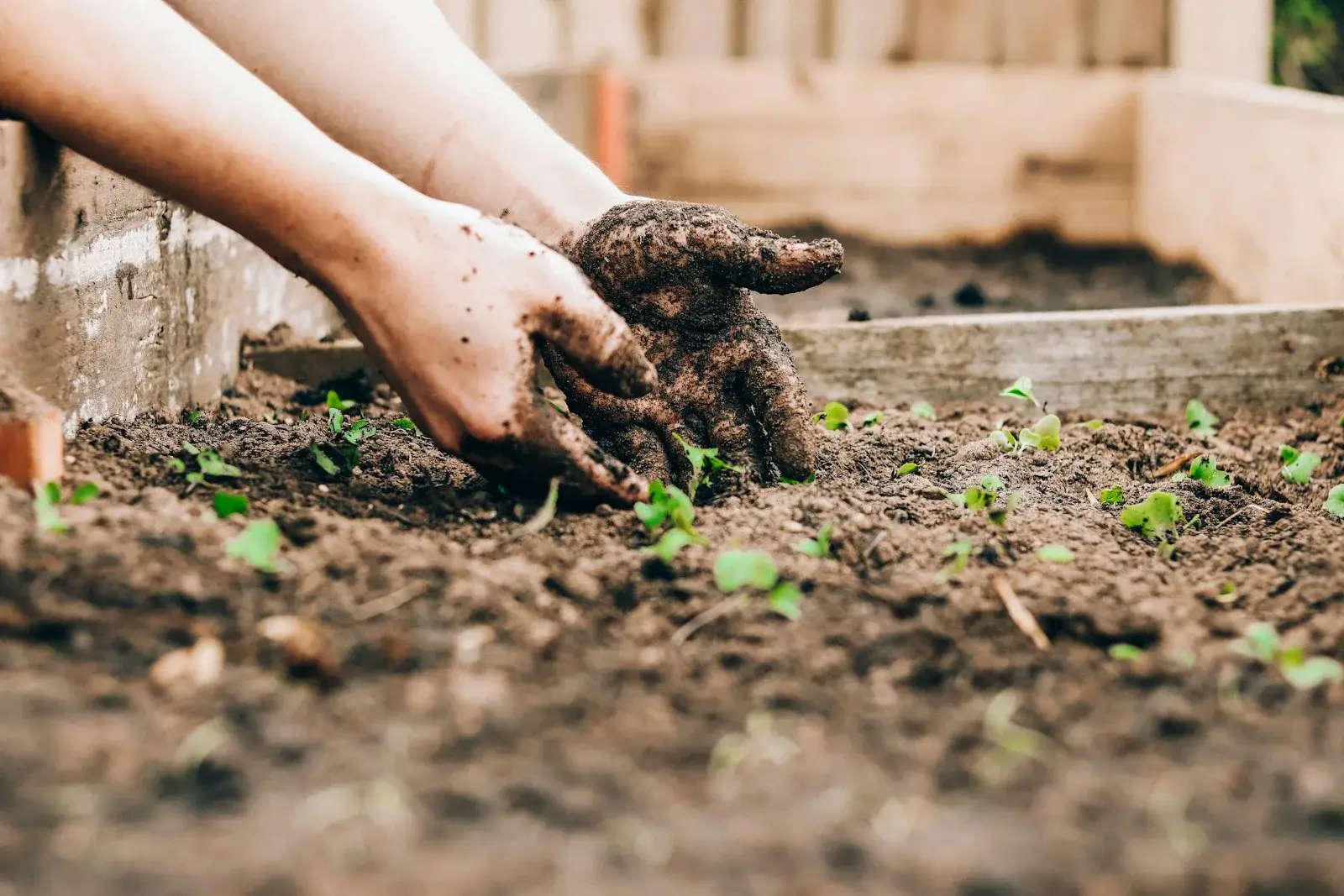
The growing library
A little guidance.
A garden of possibilities.
Start with the question you have today. Explore trusted resources for growing food in your own space.
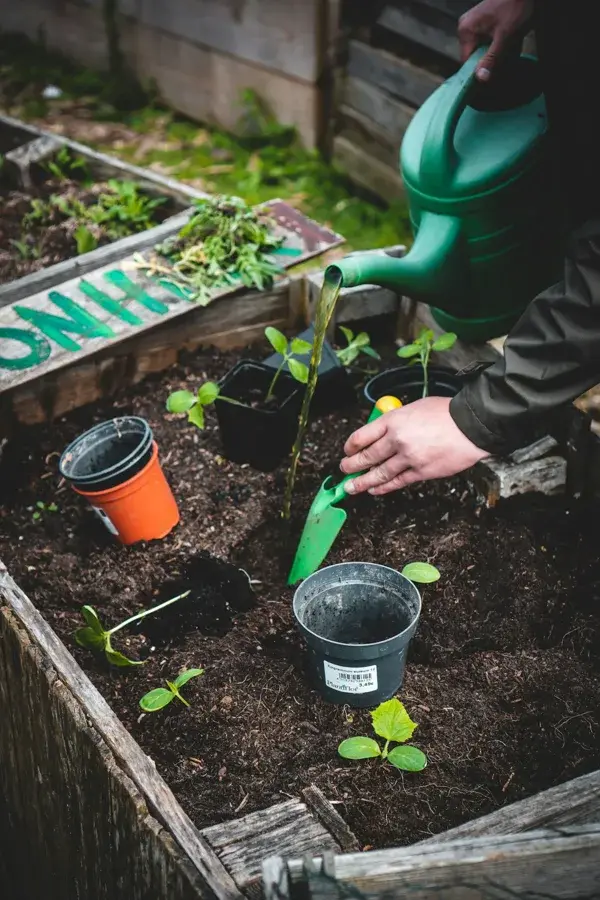
Your garden, your pace
Small steps.
Steady growth.
Give yourself one manageable garden task at a time.
See Kittanning’s planting calendar ↗My garden checklist
0 of 4A personal reminder saved on this device.
A little local perspective
Before you head
out to the garden.
Check the National Weather Service forecast for the area. Rain, wind, and overnight temperatures can help you plan your next step.
Loads weather data when requested. Your precise location is never requested.
Select “Load local forecast” to see the next few forecast periods.
The community garden
You don’t have to
grow alone.
Questions, discoveries, and encouragement. A private space for invited participants and alumni to stay connected.
Your community is right here.
Sign in to read conversations and share what’s growing.
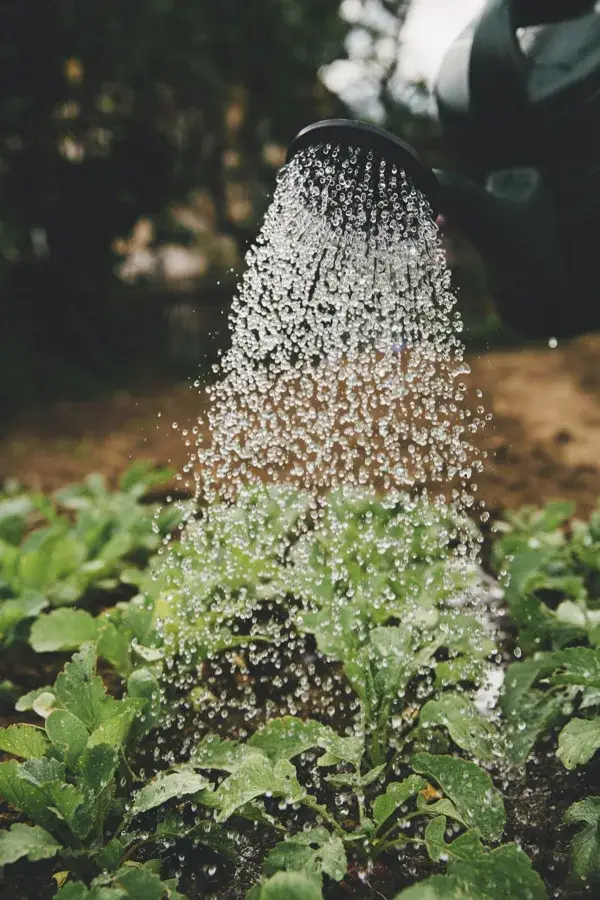
A helping hand
Good questions
help us grow.
Looking for gardening guidance? The Armstrong County Extension office can connect you with local resources.
Find your local Extension office ↗How do I join the alumni community?
Use the personal invitation from your coordinator. Create a username and password using the invited email address, then sign in whenever you visit. Invitations are single use and expire after seven days.
I forgot my password. What should I do?
Contact your program coordinator for a new account recovery invitation. For your privacy, passwords cannot be viewed or emailed.
Can I use the resources without an account?
Yes. Growing guides, the checklist, and weather links are available to everyone. Community conversations and private questions are for invited members.
How do I install this on my phone?
On iPhone, use Share, then Add to Home Screen. On Android, use the browser’s Install app or Add to Home Screen option when available.
Who can see what I share?
Posts and replies are visible to signed-in members. Questions submitted below are visible to coordinators. Account emails are never shown in posts. You can edit or remove your own posts and report inappropriate content.